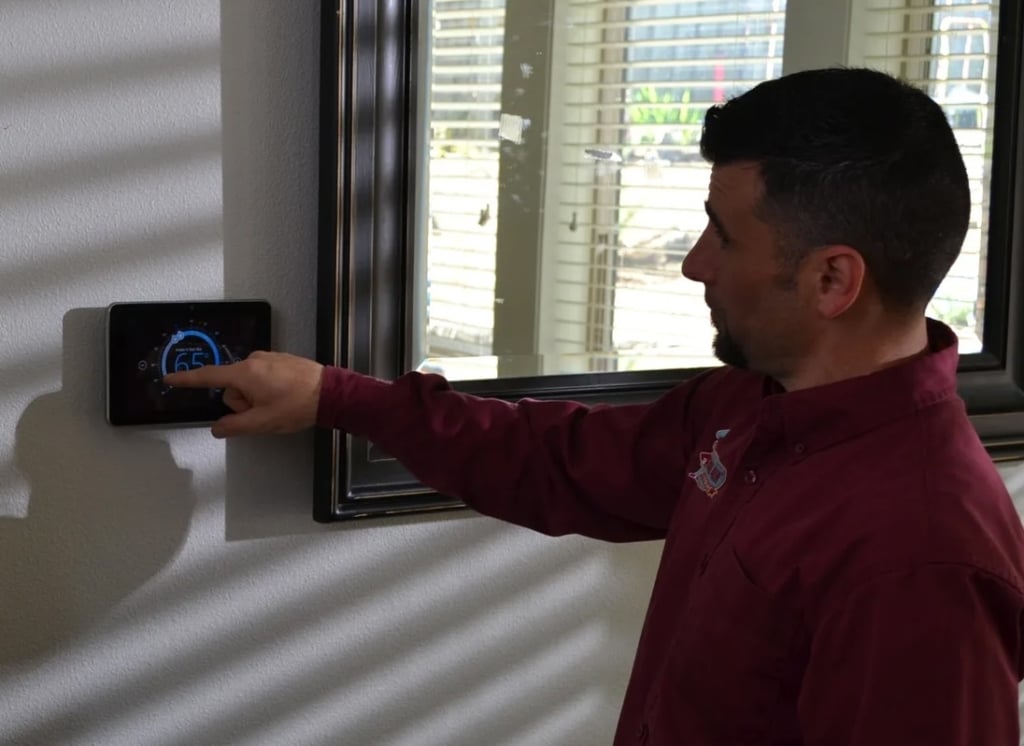
A thermostat in recovery mode isn’t necessarily having any issues. In many cases, recovery mode means the system starts early so it can reach the scheduled temperature on time. Using recovery mode doesn’t mean anything is wrong with your heating, ventilation, and air conditioning (HVAC) system.
Each thermostat model is different, so you should check your manual to see what the exact controls and settings are. When in doubt, you can always reach out to Central Air Heating, Cooling & Plumbing to learn more about your thermostat settings or schedule a routine tune-up.
What Does Recovery Mode Mean on a Thermostat?
Some thermostat manufacturers design their thermostats with adaptive recovery and early-start features. For example, imagine your thermostat is set to increase your home’s temperature by 5°F when you arrive home from work at 5 p.m. Especially on cold days, accommodating this temperature change can take time. With adaptive recovery, the unit may turn on earlier to gradually bring the temperature up.
Different manufacturers have other thermostat modes and settings that can vary. For example, Honeywell’s thermostat recovery mode is known as Adaptive Intelligent Recovery (AIR), Smart Response, or Early Start. The thermostat recovery mode meaning may change slightly between terms and manufacturers, but the general concept remains the same.
Why Would Heating Start Before the Time I Programmed?
If you notice that your thermostat starts heating before the scheduled time, you don’t have to panic. This is generally a normal part of a thermostat’s operation and not a cause for concern.
For example, assume that a homeowner wants their house to be at 68°F at 7 a.m. If the system is compatible and has adaptive recovery enabled, the heating process may begin before 7 a.m. so that it can reach 68°F before the targeted time.
This illustration is just an example of how it works. Your home’s temperature settings and scheduled changes will vary based on your family’s comfort needs.
Is Recovery the Same as Hold, Wait, or AUX Heat?
For a better understanding of how each temperature setting differs, check out the following display settings and what they mean.
| Thermostat Display Message or Setting | What It Means |
|---|---|
| Recovery | This setting helps compatible thermostat models reach a scheduled temperature setting. |
| Hold | While the details vary from one thermostat to another, holds generally involve a scheduled override. |
| Wait (or a similar message) | This setting involves a delay. The cause and meaning are model-specific. For example, this message can occur when the thermostat delays restarting the compressor to prevent rapid cycling and potential equipment damage. |
| AUX Heat | AUX heat turns on when a compatible heat pump installation requires supplemental heat. |
Understanding how auxiliary and emergency heat differ is important. Emergency heat is intended for times when your heat pump isn’t working. Meanwhile, auxiliary heat is a supplemental option used to make up for major temperature changes or during extremely cold weather conditions.
What Should You Check if the Timing Seems Wrong?
Even though it’s normal to see a thermostat in recovery mode, there are situations where it may indicate a problem. If your home’s comfort level has declined or your HVAC system is struggling to maintain your home’s setpoint, you should reach out for help. Anytime you notice that the recovery mode’s timing seems off, go through the following checklist to troubleshoot.
- Inspect the Time Settings: First, confirm the day, time, and time zone settings on your device. If the unit has the incorrect time set, it will appear to turn on at the wrong time.
- Check for Scheduled Adjustments: Next, you should verify that your weekday and weekend schedule is correct. Besides checking the temperature settings, verify the time settings for each temperature change.
- Note Holds: See if there is a hold or app schedule that may be impacting the unit’s operation.
- Verify Your Room Temperature: Check the displayed temperature on the thermostat. Then, see if this temperature matches the actual temperature in your home. If you have a thermometer, you can also verify that your thermostat’s sensors are accurately detecting the room temperature.
- Pay Attention to the Temperature Timing: Note whether your home is reaching the right temperature at the scheduled time.
- Keep Careful Records: If you see any error messages, keep a record of them to give to your HVAC technician. You should also note any recent changes following a thermostat installation or HVAC service.
- Read the Manual: Each thermostat is different, so you should check the exact manual for the model to see the feature names, controls, and setting definitions.
Important Safety Note: For your safety, you should never perform any wiring work. You should not carry out factory resets, adjust lockout settings, or configure installer menus yourself.
How Long Should Recovery Last, and Can You Turn It Off?
How long recovery mode lasts depends on the thermostat, heating system, home, and environmental conditions. As long as the system appears to be operating normally, recovery mode likely isn’t a problem.
The main reason to reach out is if you notice a difference in your unit’s operation. For example, you should call in if the system is constantly in recovery mode and never meets its temperature target.
Some models allow you to disable early-start behavior. If you want to do this, you’ll need to follow the directions in the thermostat’s manual. However, it’s important to note that disabling recovery mode can impact your family’s comfort and increase strain on the unit. Before making any major change to your HVAC system, it’s a good idea to talk to an HVAC technician first.
When Should Central Air Check the Thermostat or Heating System?
A thermostat and control assessment may be necessary if your unit persistently fails to reach the temperature target. Unusual error messages or changed behavior after thermostat work are also indications that you need to schedule an assessment. Additionally, you should always schedule an HVAC service appointment if you experience a loss of heat, especially when vulnerable family members are present.
When you reach out to Central Air, we’ll inspect your thermostat’s controls and your HVAC equipment. A thermostat replacement is only one of the solutions available. In many cases, the problem can be fixed by adjusting the thermostat’s settings or repairing an HVAC component. Our team will walk you through the best response with no pressure, so you can make an informed decision.
Optimize Your HVAC Setup
Unsure why your thermostat is in recovery mode? Central Air Heating, Cooling & Plumbing can check your thermostat settings and make sure it is working properly. With our convenient membership plan and same-day services, we can help your home stay comfortable all year long.
Contact 971-435-7303 to schedule your thermostat or heating system assessment.